Progressive Dilution · Pro
Follow a whiskey through different strengths.
Plan successive water additions and explore the same whiskey at different calculated strengths. Keep your observations connected to each stage of the tasting.


The whiskey tasting app for iPhone and Android
Calculate the water to add to a measured pour, or bring several whiskies to the same chosen ABV for a side-by-side tasting.


Start free with Quick Dilution.
Unlock Pro with a one-time purchase. No subscription.
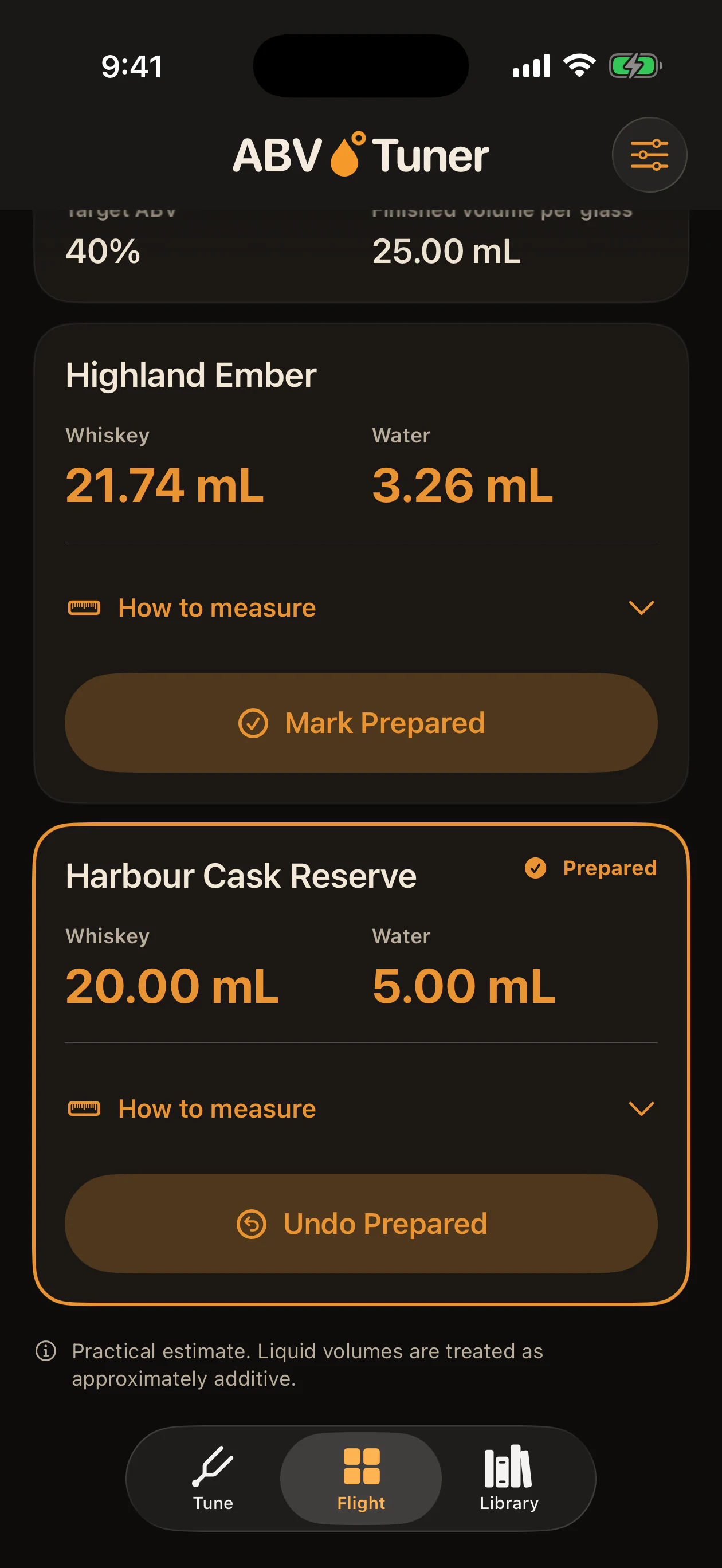
Flight Equaliser · Pro
Different whiskies can arrive at very different bottled strengths. Choose a comparison ABV and Flight Equaliser calculates the water for each glass, so you can prepare a side-by-side tasting.
Start with equal whiskey pours, or choose equal final tasting volumes.
Download a printable tasting mat for 2 to 6 samples
Equal starting pours mean the final volumes differ. 40% is an example comparison strength, not a universal tasting recommendation. These are practical calculations assuming approximately additive volumes.
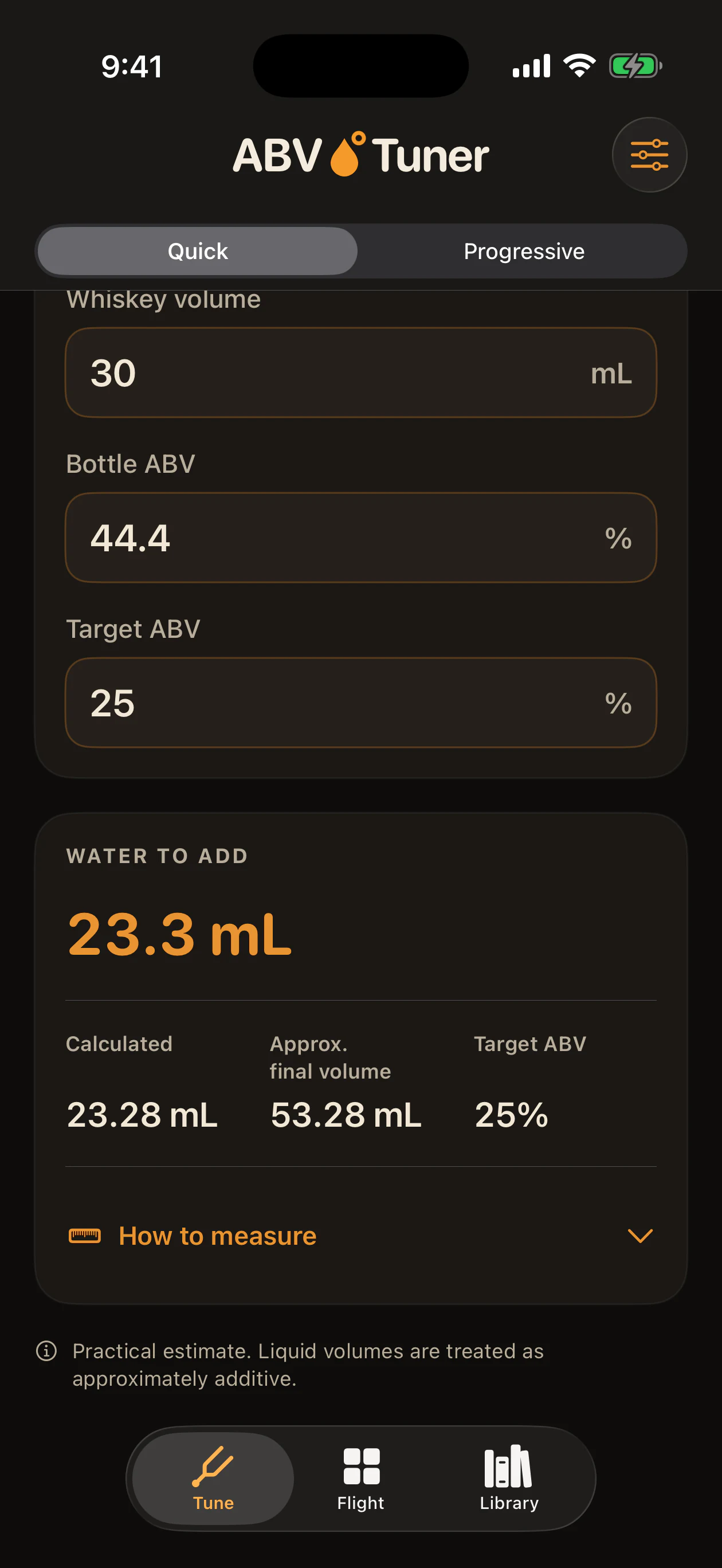
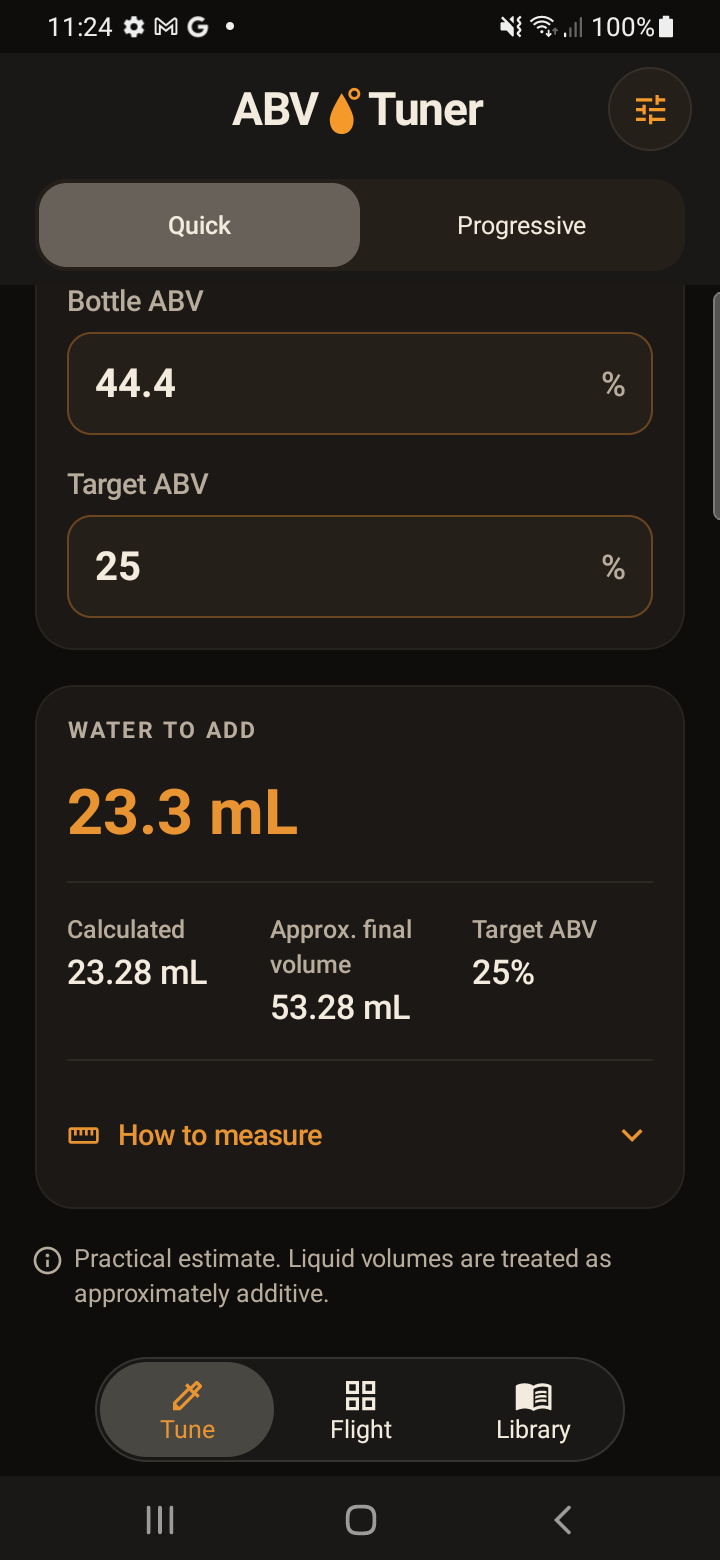
Quick Dilution · Free
See the calculated water amount and approximate final volume. Expand the Measurement Assistant for practical guidance, including basic syringe measurements in Quick Dilution.
Choose a target below the bottled strength. Adding water can lower ABV; it cannot raise it.
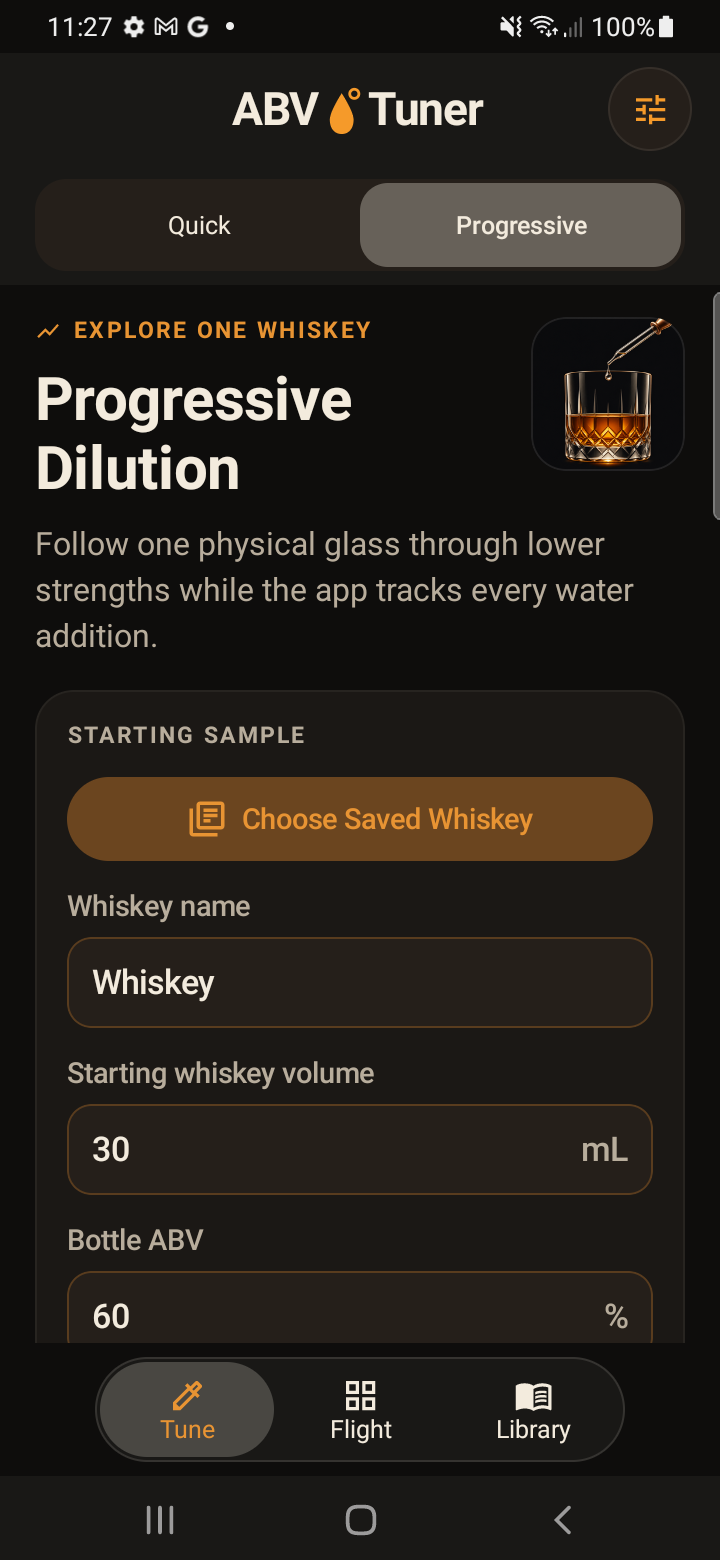
Progressive Dilution · Pro
Plan successive water additions and explore the same whiskey at different calculated strengths. Keep your observations connected to each stage of the tasting.
Tasting, library and history · Pro
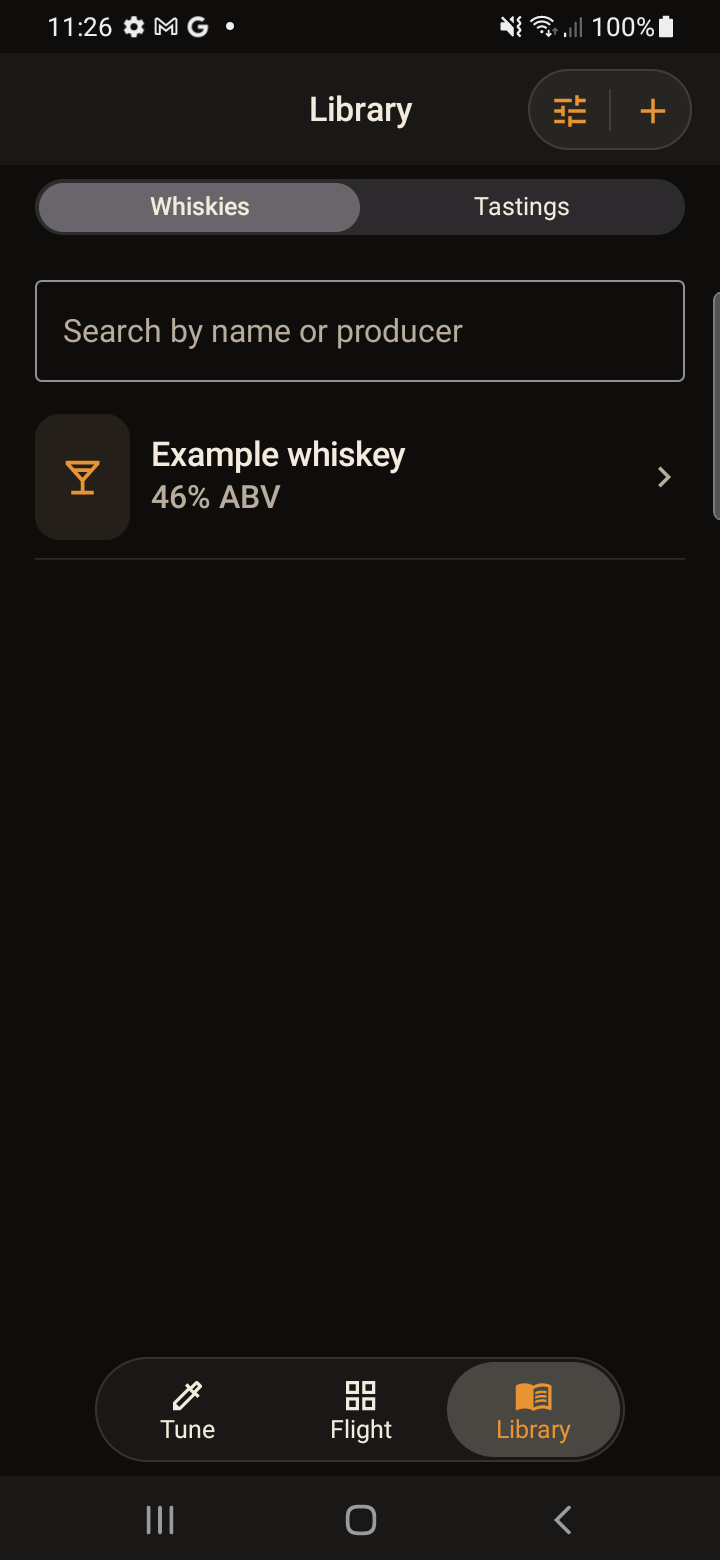
Record tasting profiles, compare whiskies side by side and return to saved bottles and tasting history. With blind tasting, keep bottle identities hidden until you choose to reveal them.
Calculate pours and return to saved records without a connection. Purchasing or restoring Pro still uses your device's store services.
Open ABV Tuner and start with your pour. No ABV Tuner sign-up is needed.
Use millilitres, US fluid ounces or Imperial fluid ounces. Choose Automatic regional units or make your own selection.
English, French, German, Japanese, Spanish and Traditional Chinese. Language and unit preferences stay independent.
Available now for iPhone and Android.
One-time purchase. No subscription. Local pricing is shown in the app.
It calculates the water to add to a measured whiskey pour to reach a lower ABV that you choose, together with the approximate final volume.
Yes. Quick Dilution is the free starting point: enter your pour volume, bottled ABV and desired tasting ABV to see the calculated water amount.
Flight Equaliser calculates each glass in a tasting flight individually to reach one chosen comparison strength. You can start with equal whiskey pours or choose equal final tasting volumes. It is included in Pro.
Core calculations and saved records work offline, without an ABV Tuner account. Purchasing Pro and checking store purchases use Apple App Store or Google Play services.
Millilitres, US fluid ounces and Imperial fluid ounces. Automatic uses regional preferences, and you can select a unit manually. Your language and unit preferences are independent.
English, French, German, Japanese, Spanish and Traditional Chinese. Choose the system default or select your preferred language in the app.
Quick Dilution, calculated volume results and basic Quick syringe guidance. Pro unlocks Flight Equaliser, Progressive Dilution, advanced tasting, saved whiskey and history tools, plus advanced measurement tools including calibrated droppers.
No. Pro is a one-time in-app purchase. Local pricing is shown in the app. Purchases are handled by the store for your platform; an Apple purchase does not transfer to Google Play, or vice versa.
The calculations are practical approximations for tasting use and assume approximately additive volumes. Real alcohol-and-water mixtures can contract, and results vary with temperature, equipment and measuring technique. ABV Tuner is a tasting calculator, not laboratory measurement or production proofing software.
Start with one pour. Explore a whole flight.
Free Quick Dilution for iPhone and Android.